On a day with nothing planned, a Story can come from one of three places. Ask your followers something, show whatever is in front of you, or bring back something you already posted and add one new sentence. Each takes a few minutes, and none needs a finished graphic.
Why Stories Suit an Empty Day
A Story disappears after 24 hours unless you add it to a highlight. It does not sit on your profile grid, so it does not have to match anything. That makes it the right place for quick, unpolished content. A photo, or a video of up to 60 seconds, plays as one frame; Instagram cuts a longer video into several clips.
It also means the bar is different. A feed post is something people may find months later. A Story is closer to a remark made in passing. One clear thought per frame is enough.
Ask Something
Questions are the fastest Stories to make, because the followers supply the content.
- A poll. "Morning workout or evening?" "Gold or silver?" Two options are the classic form, and the sticker has taken up to four since 2022. Pick choices people actually have an opinion on.
- This or that. Two photos side by side, or two words, with a poll under them. A cafe: "Oat or whole milk?" A bookshop: "Paperback or hardcover?"
- A quiz. One question with a right answer from your field. "Which of these plants is safe for cats?"
- An open question box. "What do you want to know about custom orders?" Answer the best ones in the following frames. When you share a reply this way, Instagram leaves out the sender's photo and username.
- A slider. "How ready are you for Monday?" It asks nothing of the viewer but a swipe.
The answers are useful beyond the day. A question that several people ask is a feed post waiting to be written, and it belongs in the "educate" bucket described in our guide to content ideas for small business.
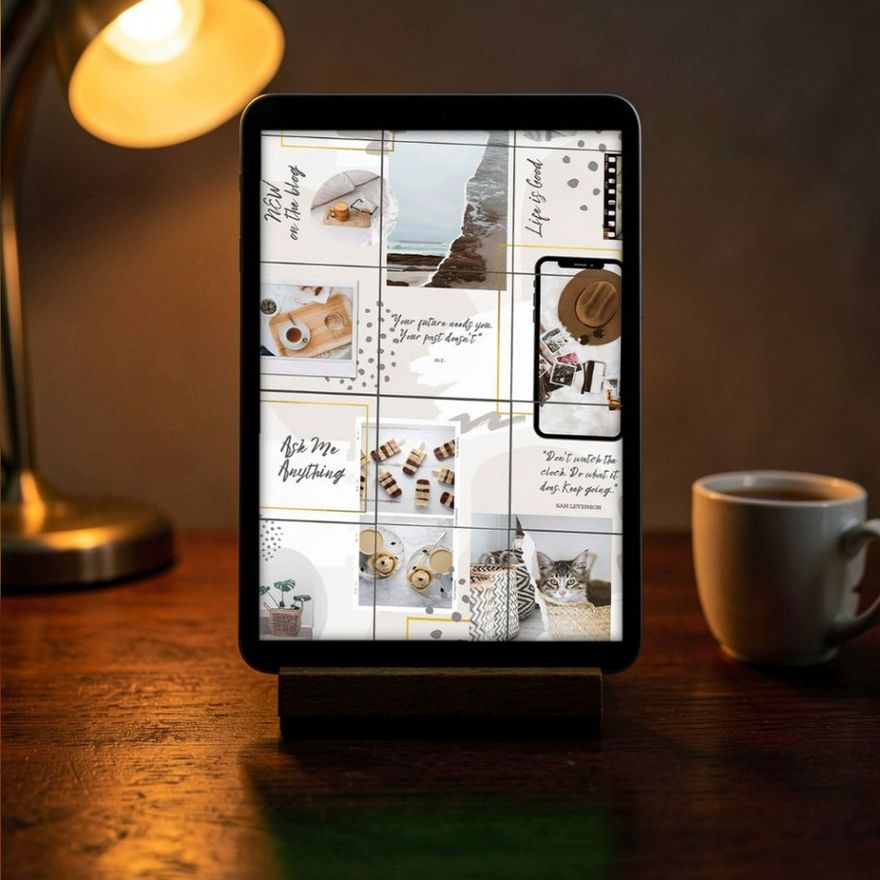
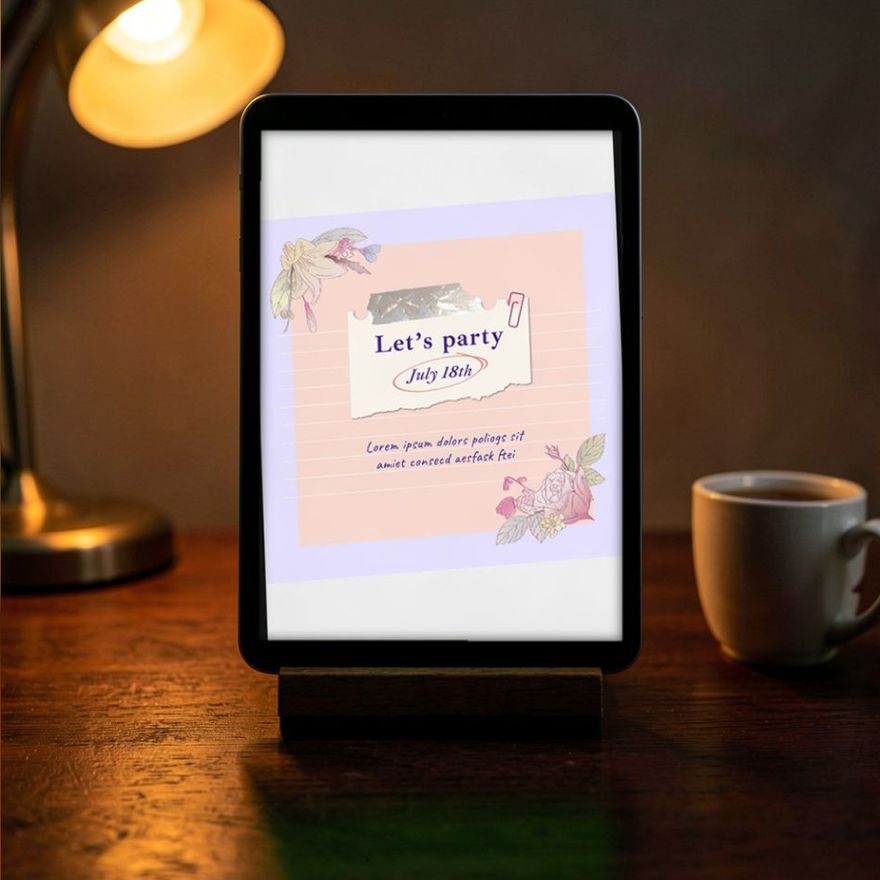
Posts designed to prompt a reply can double as Story frames when you have no photo to hand. The first set below is named for that purpose; the other two are text-led packs that work the same way.
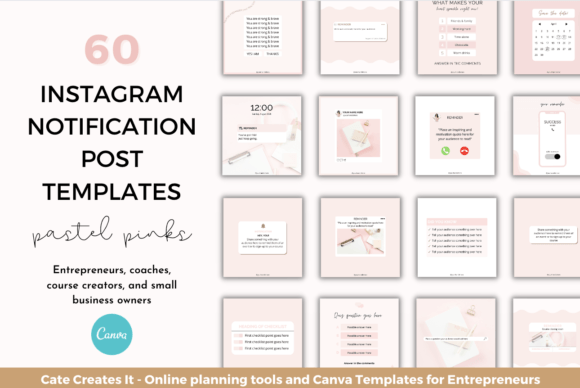
Instagram Post Templates Engagement
See the listing ↗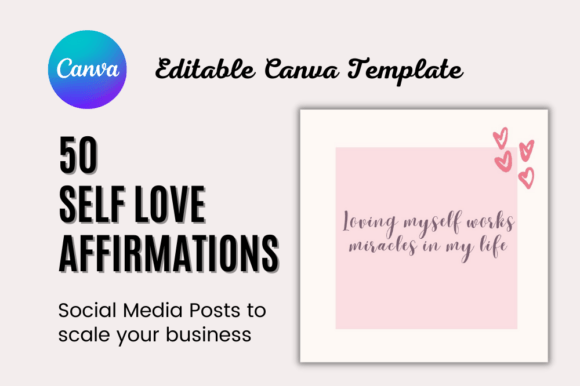
Self Love Affirmation Instagram Post
See the listing ↗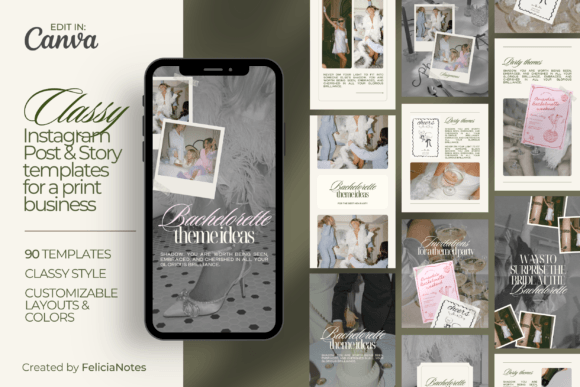
Classy Instagram Post & Story Template
See the listing ↗From the collection Instagram Post Templates. New Creative Fabrica members get 10 free downloads, and any of these can be one of them.
Show Something
Point the camera at what is already happening.
- The workspace. The desk, the counter, the chair before the first client.
- Work in progress. A half-finished order, a draft, a tray going into the oven.
- One tool and why you like it.
- A before and after. Two frames, taken an hour or a day apart.
- A delivery or a restock. Unboxing is content you did not have to plan.
A Day in Five Frames
If one photo feels thin, tell the day as a short sequence:
- The start: coffee, keys, the first task.
- The main job of the day.
- Something that went wrong or surprised you.
- A detail most customers never see.
- The end: the finished thing, or the lights going off.
Five frames is a comfortable length. Much longer and people tap through.
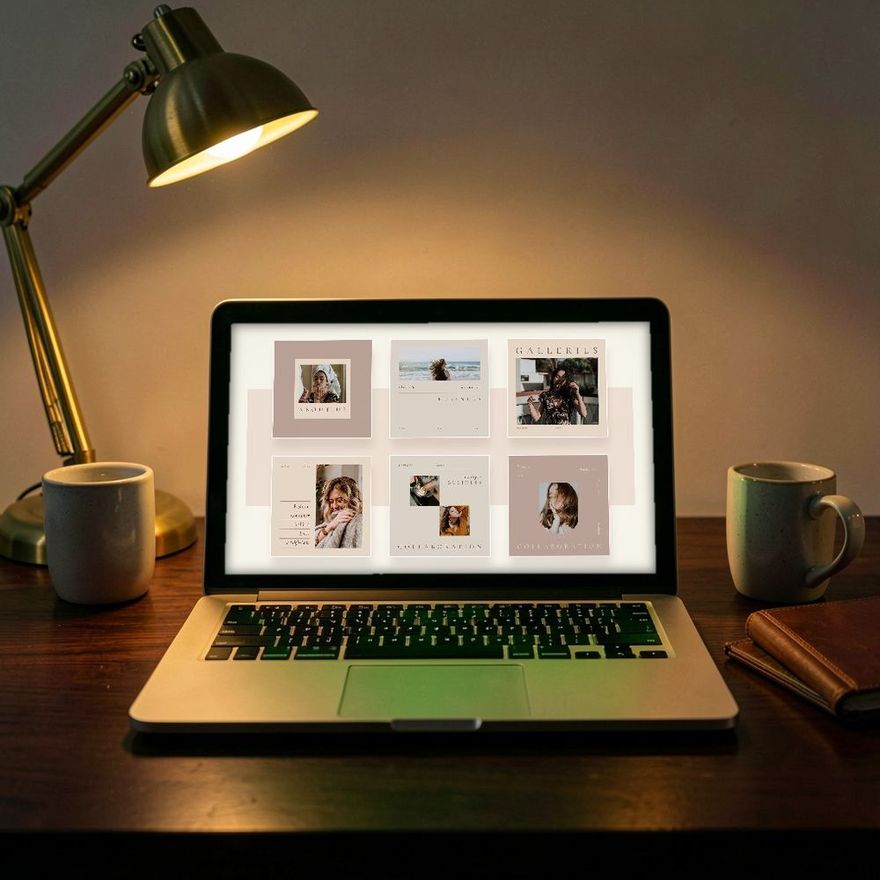
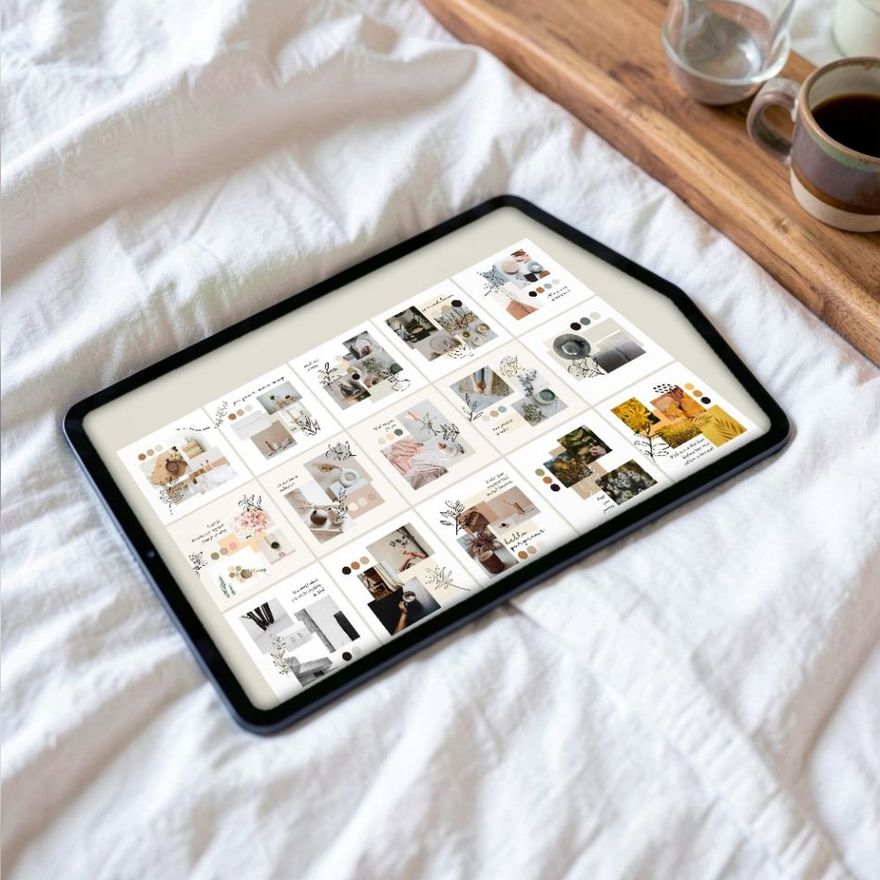
You do not have to be on camera for any of this. Hands, tools, products and text over a plain background tell the story just as well. If you prefer that style, sets made for faceless and mood-led posts give you backgrounds to put a line of text on.
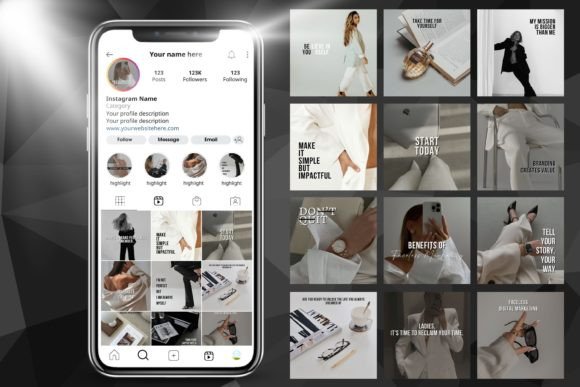
Aesthetic Instagram Post , Faceless Post
See the listing ↗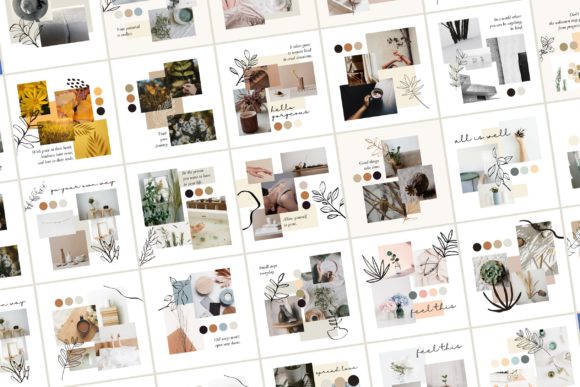
25 Moodboard Aesthetic Instagram Kit
See the listing ↗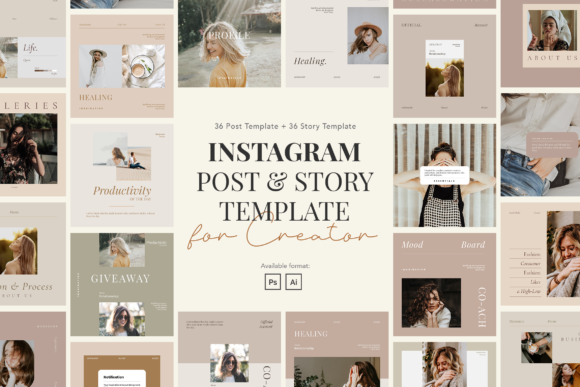
Minimalist Instagram Post & Story
See the listing ↗From the collection Aesthetic & Minimalist Instagram Templates. New Creative Fabrica members get 10 free downloads, and any of these can be one of them.
Reuse Something
You have already made content. A Story can send it around again.
- Share your latest feed post to your Story with the share button under the post and "Add to story", then add context: why you made it, or the one line that matters most. A reshared post with no comment gives people no reason to tap.
- Bring back an old post. "Still our most-asked question." New followers have never seen it.
- Answer a message in public. With the sender's name removed, a good question and its answer make a complete Story.
- Share a mention. When a customer mentions you in their Story, it arrives as a direct message, and you can add it to your own Story unless they have turned re-sharing off. Do it the same day, because the preview leaves the message thread after 24 hours. Add a word of thanks.
- Take one slide from a carousel and post it as a teaser, pointing to the full post.
Recurring Series: Decide Once, Repeat Weekly
The best cure for an empty day is a series, because the decision has already been made. Choose a format that fits your work and give it a fixed day.
- Monday: what is happening this week.
- Wednesday: one question answered.
- Friday: a favorite of the week, such as a product, a customer photo or a find.
- Once a month: a look back in five photos.
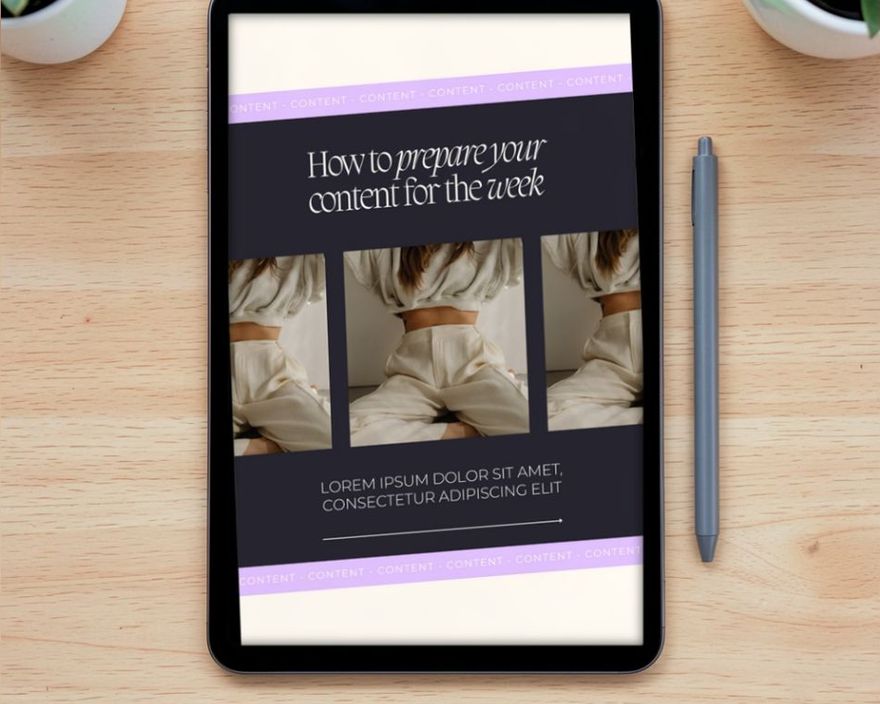
A series reads as a series when it looks the same every time: the same background, the same title in the same place, the same two fonts. That is the job of a template. Build one Story frame per series, save it as a page in Canva, and each week change only the text and the photo. The steps are in the guide to editing a Canva template.
Stickers Worth Knowing
Stickers are what turn a Story from something people watch into something they answer. The sticker tray changes, and Instagram notes that not every sticker is available to everyone. These are all described in its Help Center today.
| Sticker | What it does | Use it for |
|---|---|---|
| Poll | Viewers tap an option and see the result at once | This or that, quick opinions |
| Quiz | A multiple-choice question; viewers learn whether they got it right | Teaching a fact in a fun way |
| Questions | Viewers type a reply, or send a song if you choose the music option | Q&A, collecting requests |
| Emoji slider | Viewers slide an emoji you chose | Low-effort reactions |
| Countdown | Counts down to a date and time you set; viewers can tap it to get a reminder when it ends | Launches, events, birthdays |
| Link | Opens the web address you enter | Sending people to a product or booking page |
| Add Yours | A prompt that viewers tap to add a Story of their own | Prompts and challenges |
| Mention and location | Tags an account (up to 20 mentions in one Story) or a place | Crediting customers, showing where you are |
Polls and quizzes are not anonymous to you. Swipe up on your own Story and you see how many votes each option received and how each person voted, which is worth remembering before you ask anything sensitive.
Use one interactive sticker per frame. Two compete, and most people answer neither. Place it in the middle band of the screen, where a thumb reaches it and the app's own buttons do not cover it.
The countdown sticker is especially good for occasions. There are more uses for it in our guide to birthday Instagram posts and stories.
Make It Readable
A Story is 1080 x 1920 pixels, and the app covers part of that with its own interface. Keep text out of roughly the top 270 pixels and out of the bottom strip; the measurements are in the guide to Instagram post sizes.
A few habits help:
- Large text. People hold the phone at arm's length and each frame is on screen for only a few seconds.
- One idea per frame. If you need a second sentence, make a second frame.
- Contrast. Put a solid or semi-transparent shape behind text that sits on a photo.
- Words on screen when you talk. Plenty of people watch with the sound off, so add a line that says what the clip is about.
Not every Story has to go to everyone. For an early look meant for regulars, or anything personal, choose Close Friends instead of Your Story when you share. It lasts the same 24 hours and reaches only the people on that list. Nobody is notified when you add or remove them, though people on the list can tell from the Close Friends label on those Stories.
Keep a "nothing to post" album on your phone. Whenever you take a photo of work in progress, a nice detail or a customer's message, drop it in. On an empty day, the album is your content.
Gear for Hands-Free Stories
Showing work in progress is easier when the phone holds itself. A stand, a small light and, if you talk while you work, a clip-on microphone cover most of it.
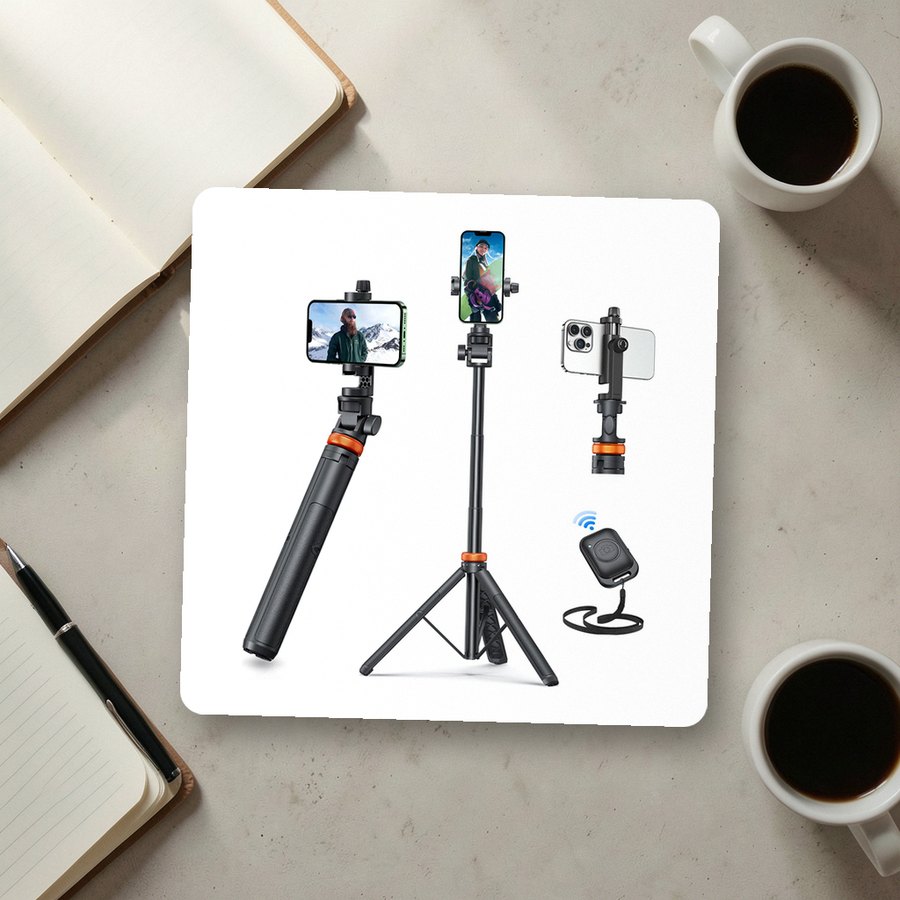 Phone tripod with remote shuttereucosSee it on Amazon
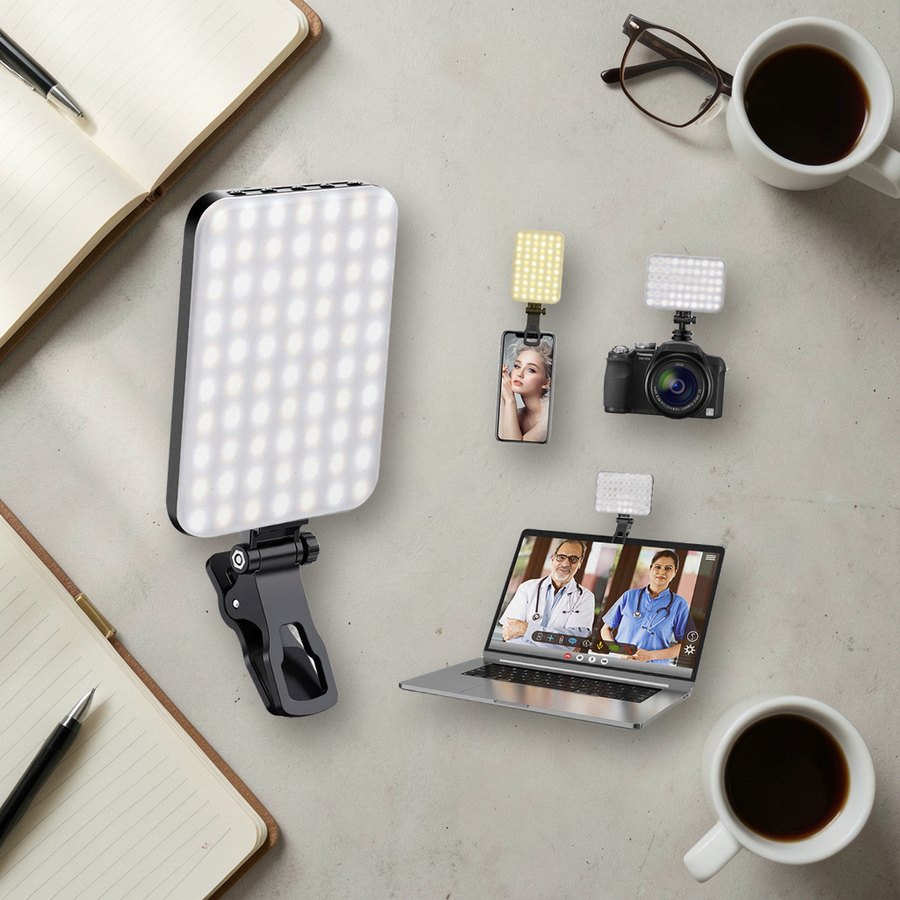 Clip-on LED light for phonesALTSONSee it on Amazon
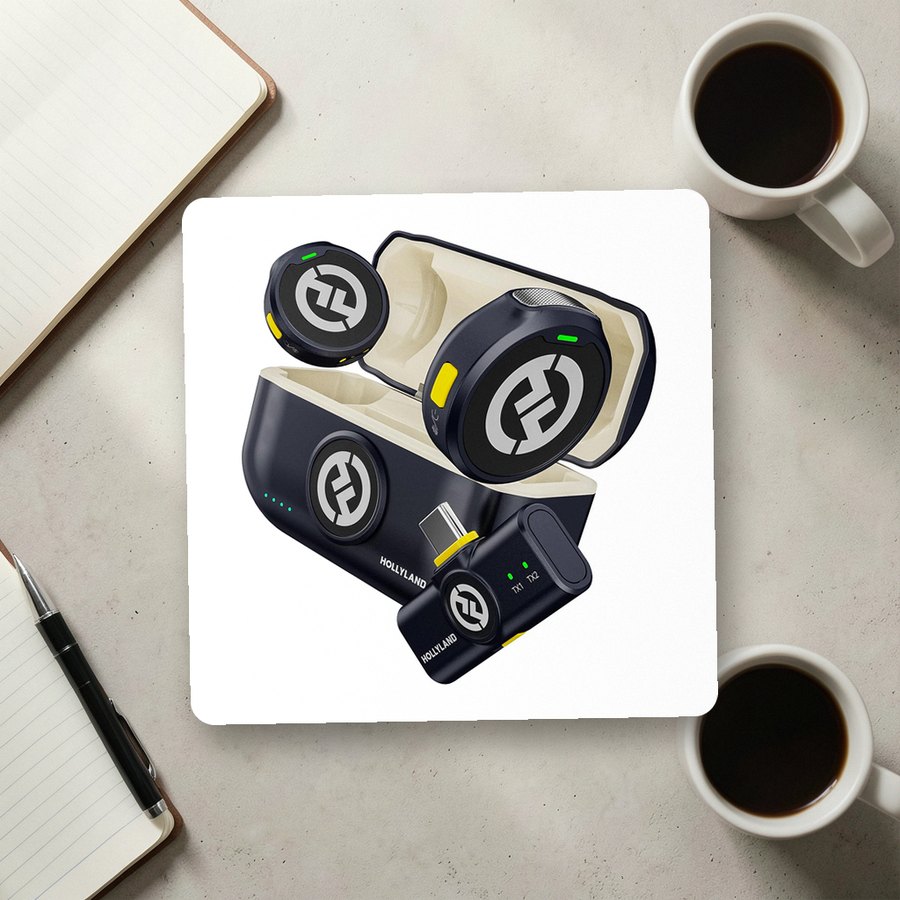 Wireless clip-on microphone for phonesHollylandSee it on Amazon
As an Amazon Associate we earn from qualifying purchases.
Twelve Prompts to Keep in Your Notes
- What are you working on right now?
- Which of these two would you choose?
- One thing customers ask every week, answered.
- The view from where you work.
- A product and the one detail people miss.
- Something you got wrong and fixed.
- A review that made your day, shared with permission.
- Your first task this morning.
- A tool, an ingredient or a material, close up.
- What is coming next week.
- A post from last year that is still true.
- A thank-you to someone who helped.
Copy the list into your notes app and cross them off as you go. When the list runs out, start again; twelve prompts on a weekly rotation will not feel repeated. For more layouts that suit quiet text-on-background frames, browse the aesthetic and minimalist templates.
Collections That Fit This Article
Aesthetic & Minimalist Instagram Templates8 hand-picked · open the collection →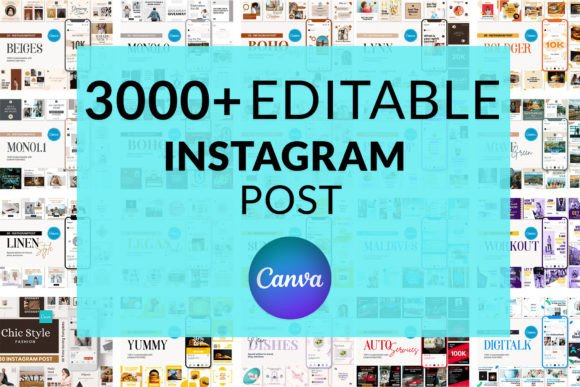 Instagram Post Templates8 hand-picked · open the collection →