Every Instagram format is 1080 pixels wide. What changes is the height: 1080 for a square post, 1350 for a 4:5 portrait post, and 1920 for a 9:16 Story or Reel. If you only want to remember one feed size, make it 1080 x 1350 and keep the important parts in the middle of the canvas.
The Sizes at a Glance
| Format | Aspect ratio | Size in pixels | Notes |
|---|---|---|---|
| Square post | 1:1 | 1080 x 1080 | The classic size; still accepted everywhere |
| Portrait post | 4:5 | 1080 x 1350 | The usual choice for feed posts and carousels |
| Tall portrait post | 3:4 | 1080 x 1440 | Phone-camera shape, supported since May 2025; matches the profile grid exactly |
| Landscape post | 1.91:1 | 1080 x 566 | The smallest on screen; for wide photos only |
| Carousel | Any of the four above | Same as a single post | Up to 20 slides, all in one shape |
| Story | 9:16 | 1080 x 1920 | Full screen, vertical; gone after 24 hours unless you add it to a highlight |
| Reel | 9:16 | 1080 x 1920 | Full screen; the cover is cropped on your profile |
The aspect ratio is the shape, written as width to height. The pixel size is that shape at Instagram's standard width. A design at 2160 x 2700 is still 4:5, and Instagram will scale it down to 1080 wide when you upload it.
Instagram's Help Center gives the allowed range for photos: a picture keeps its own shape as long as its aspect ratio is between 1.91:1 and 3:4, which at a width of 1080 pixels means a height between 566 and 1440. A photo outside that range is cropped to fit a supported ratio.
Why the Width Is Always 1080
According to the Help Center, Instagram keeps a photo at its original resolution when it is between 320 and 1080 pixels wide. A wider photo is sized down to 1080. A narrower one is enlarged to 320.
So there is nothing to gain from designing at a giant size, and something to lose from designing small: a 600-pixel graphic is kept at 600 pixels, and a sharp phone screen then has to stretch it, which is where soft, blurry text comes from. Start the canvas at 1080 wide and the text you see while editing is the text people will see.
Square or Portrait for the Feed
A portrait post is taller, so it fills more of a phone screen as someone scrolls. That is plain geometry: a 4:5 post covers a quarter more area than a square at the same width. It gives a headline more room and lets a photo breathe.
Square still makes sense in two cases. One is when the same image also goes to places that prefer squares. The other is when your photo was shot square and cropping it taller would cut something off.
Landscape is the odd one out. At 1080 x 566 it takes up less than half the height of a portrait post, so save it for images that only work wide, such as a panorama or a group photo.
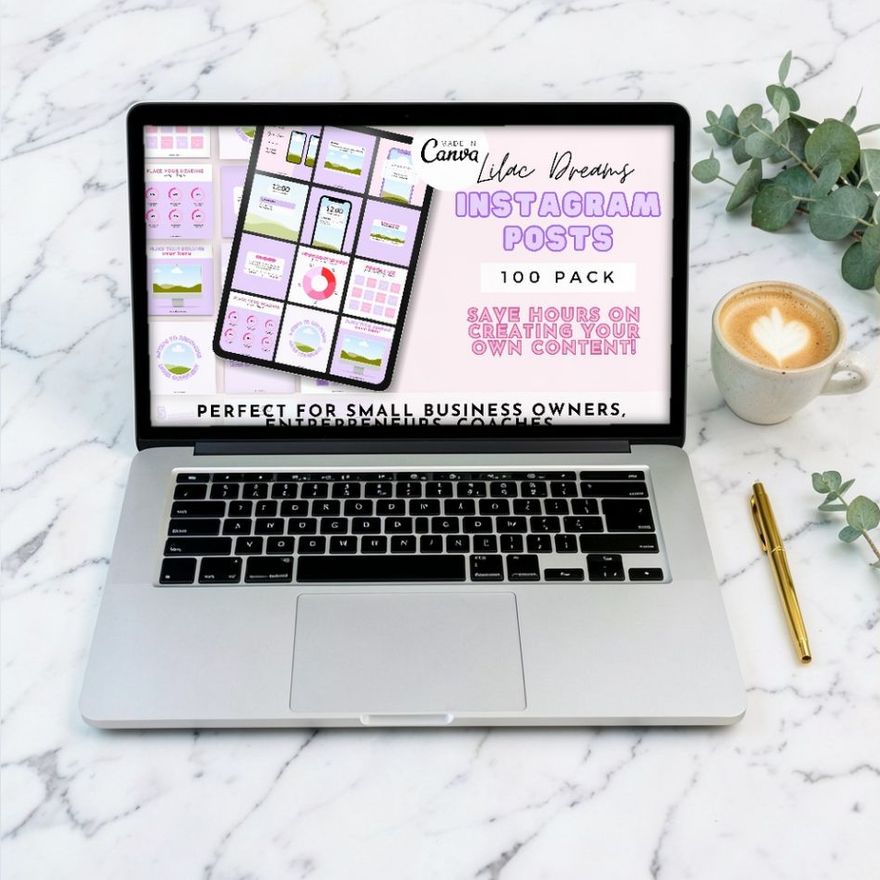
General post packs are built at one of these sizes, and the listing says which. Check it before you download so you know whether you are getting squares or portraits.
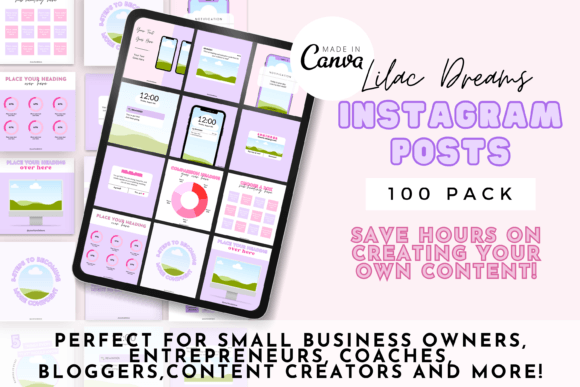
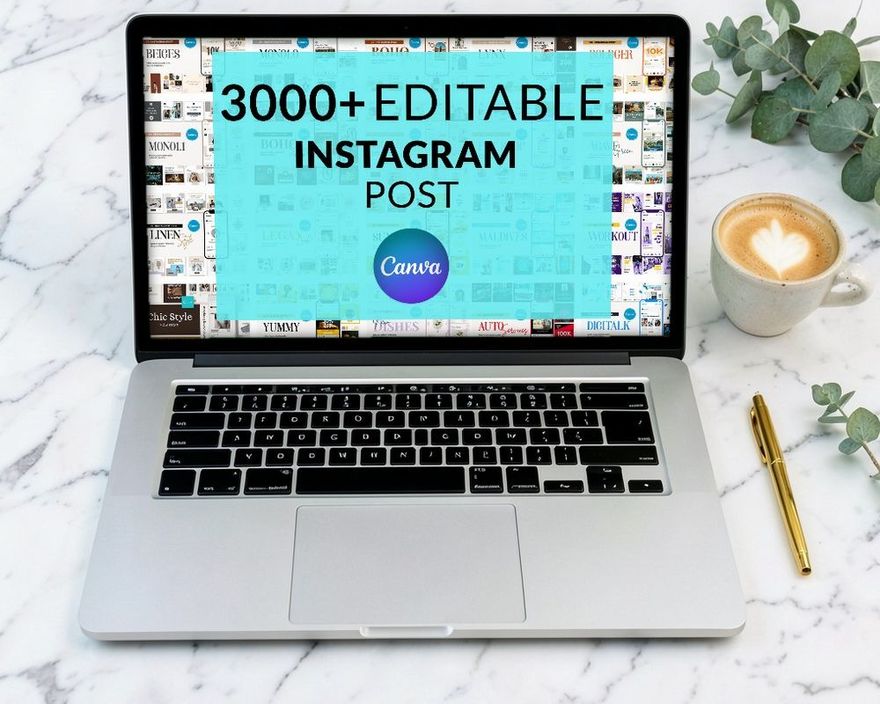
100 Editable Instagram Post Templates
See the listing ↗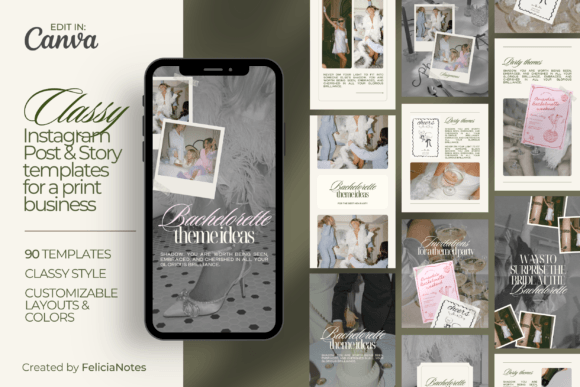
Classy Instagram Post & Story Template
See the listing ↗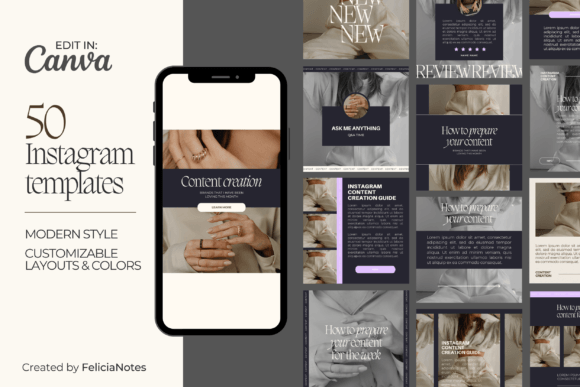
Dark Modern Instagram Post Template
See the listing ↗From the collection Instagram Post Templates. New Creative Fabrica members get 10 free downloads, and any of these can be one of them.
How the Profile Grid Crops Your Post
Your profile does not show whole posts. It shows a thumbnail cut from the center of each one. For years that thumbnail was a square. Since January 2025 it has been a taller 3:4 rectangle, three to a row.
Here is what the center crop removes from a post that is 1080 pixels wide:
| What you post | What the grid shows | What is hidden |
|---|---|---|
| 3:4, 1080 x 1440 | All of it | Nothing; the shapes match |
| 4:5, 1080 x 1350 | The middle 1012 pixels of the width | About 34 pixels on each side |
| Square, 1080 x 1080 | The middle 810 pixels of the width | 135 pixels on each side |
| Reel cover, 1080 x 1920 | The middle 1440 pixels of the height | 240 pixels at the top and at the bottom |
You do not have to calculate this for every post. Keep text, logos and faces at least 140 pixels away from every edge, and they survive the crop whichever shape you post.
Put the headline in the middle third of the canvas and let backgrounds, photos and decorative shapes run to the edges. The crop then trims only things nobody will miss.
The app now has three tools for the grid itself:
- Adjust preview. Guides to the feature place it in the three-dot menu of a published post: you drag the picture inside the 3:4 frame to choose which part the thumbnail shows. Only the thumbnail changes, and a square post still cannot show its full width. Instagram's Help Center has no page for it, so the label may differ on your phone.
- Reorder grid. Released in June 2026: tap and hold a post on your profile, choose "Reorder grid" and drag posts into a new order.
- Pinning. The Help Center says you can pin up to 3 posts to the top of your profile with "Pin to main grid".
These are useful repairs, but designing for the crop is more dependable than fixing it afterward. If you want the grid itself to form one picture, the crop matters even more; the guide to the Instagram puzzle feed goes through it tile by tile.
Carousel Sizes
A carousel is a single post of up to 20 photos and videos that swipe sideways, so it uses the same sizes: 1080 x 1350 for portrait slides, 1080 x 1440 for the taller 3:4 shape, or 1080 x 1080 for square ones.
Make every slide the same size. Instagram's Help Center is plain about it: the orientation you choose "affects all of the photos or videos in your post", and you cannot pick a different one for each slide. A square slide dropped into a portrait carousel is cropped to fit. One canvas size for the whole set avoids the question.
The profile thumbnail comes from the first slide only, so that is the one that needs the centered headline. For what to put on each slide, see the slide-by-slide carousel structure.
Stories and Reels: 1080 x 1920 and the Safe Zones
Stories and Reels fill the screen, but the app draws its own interface on top. In a Story, your profile name and the progress bar sit across the top and the reply field sits at the bottom. In a Reel, the caption and audio details cover the lower part and a column of buttons runs down the right side.
Instagram does not publish safe zones for ordinary Stories and Reels. Meta does publish them for ads in the same placements, and they are a sound guide for any 1080 x 1920 design:
| Placement | Keep clear at the top | Keep clear at the bottom | Keep clear at the sides |
|---|---|---|---|
| Story | 14 percent, about 270 pixels | 20 percent, about 385 pixels | A small margin |
| Reel | 14 percent, about 270 pixels | 35 percent, about 670 pixels | 6 percent, about 65 pixels each |
Meta's current ad specifications apply the stricter Reel figures to both placements. For an everyday Story, many size guides settle for 250 pixels at the top and at the bottom. Either way the overlay shifts a little from phone to phone, so the safe habit is the same as for the grid: important things in the center, background to the edges.
Three more things about Reels. Instagram accepts a Reel with an aspect ratio anywhere between 1.91:1 and 9:16, at a minimum of 30 frames per second and 720 pixels, but only 9:16 fills the screen. The cover is what appears on your profile, cropped to the 3:4 grid shape, so place the cover title within the middle 1440 pixels of the height. And size guides report that the home feed shows a Reel cropped to about 4:5, which is one more reason to keep the subject centered.
A set that covers both posts and stories saves you from rebuilding a design at a second size. The first one below is named that way; the other two are post packs in a similar quiet style, in case you want the feed and the Stories to look related.
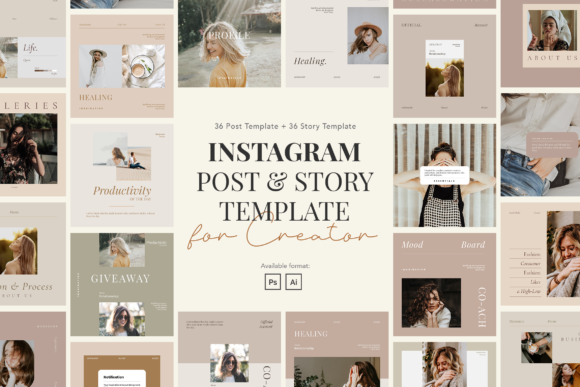
Minimalist Instagram Post & Story
See the listing ↗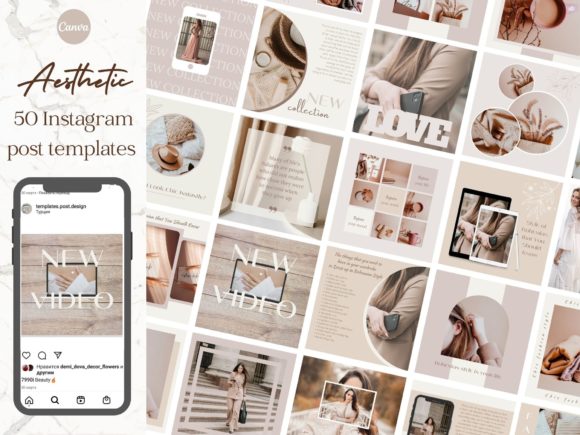
Aesthetic Instagram Post Templates Pack
See the listing ↗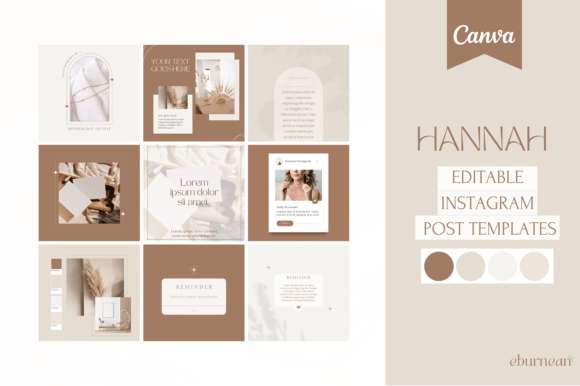
Boho Aesthetic Instagram Post Templates
See the listing ↗From the collection Aesthetic & Minimalist Instagram Templates. New Creative Fabrica members get 10 free downloads, and any of these can be one of them.
Export Settings
- PNG for graphics with text, flat color or sharp lines. Canva's help page calls it the format that is "best for graphics".
- JPG for photographs. The same page describes it as a small file that is "best for photographs".
- MP4 for video.
Export at the exact pixel size of the design rather than a doubled or tripled size. Instagram sizes anything wider than 1080 pixels down again, so the extra pixels never reach the viewer.
In Canva, a design made at 1080 x 1350 downloads at 1080 x 1350 by default; the control that changes the export size belongs to the paid plans. A multi-page design downloads as a ZIP file of separate images named by page number or page title, ready to upload as a carousel. The steps are in the guide to editing a Canva template.
A Check Before You Post
Run through this once and it becomes automatic:
- The canvas is 1080 wide and one of the standard heights: 1080, 1350, 1440 or 1920.
- Text and logos sit at least 140 pixels from each edge.
- All carousel slides are the same size, and there are no more than 20.
- Story and Reel text stays out of the top 270 pixels and out of the bottom band.
- The exported file looks sharp at full size on your phone, not only on a laptop.
If you are starting from scratch, pick a set from the Instagram post templates collection that already matches the size you post most often, and change the content rather than the canvas.
Collections That Fit This Article
 Instagram Post Templates8 hand-picked · open the collection →
 Aesthetic & Minimalist Instagram Templates8 hand-picked · open the collection →