

You do not need a list of 100 post ideas. You need five buckets that keep producing them: teach something, show what you sell, let customers speak, show how the work gets done, and show who is behind it. Any small business can fill each bucket from an ordinary week, and rotating through them keeps the account from turning into either a catalog or a diary.
What a Content Pillar Is
A pillar is a recurring theme, not a format. "Educate" is a pillar. A carousel is a format. The same pillar can come out as a single image, a carousel, a Reel or a Story.
Pillars solve two problems at once. They answer "what do I post today" with a short list instead of a blank page. And they stop the account from leaning too hard one way, because you can see at a glance when the last six posts were all product shots.
Five is a practical number. Fewer and the feed repeats itself; more and you will not remember them.
Pillar 1: Educate
Teach the thing customers ask you about anyway. This is the easiest pillar to fill, because the questions already arrive in your messages and at the counter.
- The question you answer most often, answered once in public.
- A how-to for something customers do at home: care for a plant, store a cake, wash a knit.
- A mistake you see often and how to avoid it.
- A term from your trade explained in plain words.
- A comparison: two options, who each one suits.
Teaching posts suit carousels, since each step gets its own slide. The layout is covered in our guide to carousel structure.
Pillar 2: Show the Product or Service
People follow a business partly to see what it sells. Show it clearly and say what it is.
- One product, one photo, three facts: what it is, who it is for, how to get it.
- The product in use, not just on a white background.
- A detail shot: the stitching, the ingredients, the tool.
- What is new this week or back in stock.
- For services: what a first appointment looks like, step by step.
State the practical details in the caption every time. A new follower has not seen the post where you explained how ordering works.
Pillar 3: Social Proof
Let other people say it. A customer's sentence does work that your own description cannot.
- A review, quoted exactly, as a simple text graphic.
- A customer photo of the product in their home.
- A before and after from a real job.
- A milestone that is true and specific: the hundredth order, five years in the same street.
- A thank-you to a customer or a supplier.
Two rules keep this pillar honest. Ask before you share someone's photo, name or words. And use only real reviews and real results. An invented testimonial does more damage than an empty week.
Stories make this pillar easy to collect. When a customer mentions your account in their Story, Instagram sends it to you as a direct message, and you can add it to your own Story unless the customer has switched re-sharing off. The preview in the message disappears after 24 hours, so share it the same day.
Pillar 4: Behind the Scenes
Show the work. For a small business this is the advantage a big brand cannot copy.
- The workspace before opening.
- An order being made or packed.
- The tool or machine you could not work without, and why.
- A problem you solved this week.
- Where the materials come from.
This pillar is often better in Stories than in the feed, because it is quick, unpolished and tied to the day. A Story disappears after 24 hours unless you add it to a highlight, so nothing rough stays on the profile for long. For low-effort formats, see the list of Instagram story ideas.

Pillar 5: Personality
Show who is behind the account and what the business cares about. It is the smallest pillar, and it matters because people buy from people.
- Why you started, in a few sentences.
- A value you hold to, shown through a decision you made.
- A quote that reflects how you work, in your brand's fonts and colors.
- Something local: a neighboring shop, a market, the view from the door.
- A lighter post: what is playing in the studio, the shop dog.
Keep it related to the business. Followers came for the bakery, so the personality post is about the baker, not a holiday album.
Templates by Trade
A template set made for your trade usually gets you closer to a finished post than a general one, because the designer had the same kind of photos and headlines in mind. Many sets are named by industry, as these three are.
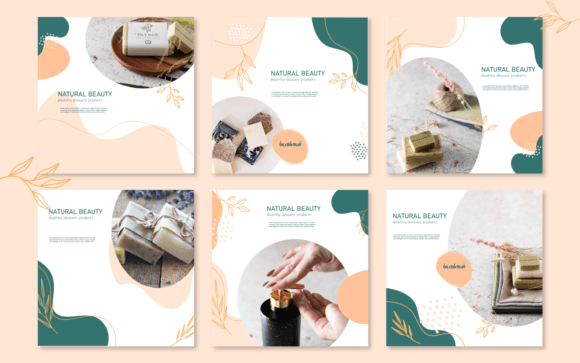
Hand Made Business Social Media Template
See the listing ↗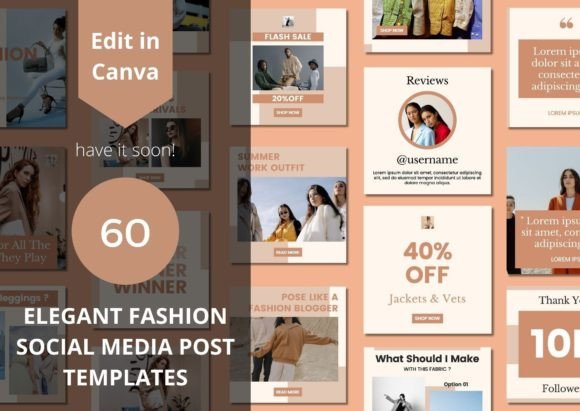
60 Elegant Fashion Social Media Template
See the listing ↗
Healthcare Social Media Template Bundle
See the listing ↗From the collection Social Media Post Templates. New Creative Fabrica members get 10 free downloads, and any of these can be one of them.
Two trades have their own collections on this site. Salons, nail and lash studios and makeup artists can start with the beauty and salon templates:

Blush Pink Beauty Instagram Template
See the listing ↗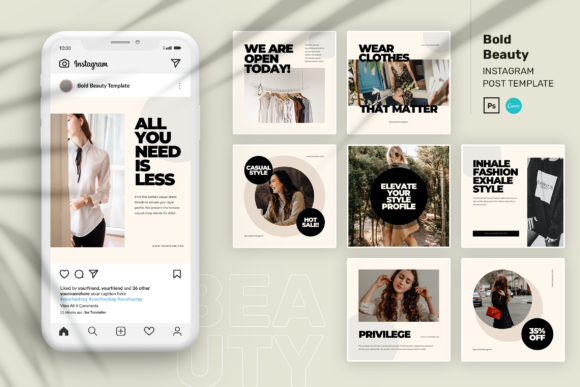
Bold Beauty Instagram Post Canva
See the listing ↗
Beauty Instagram Pack
See the listing ↗From the collection Beauty & Salon Instagram Templates. New Creative Fabrica members get 10 free downloads, and any of these can be one of them.
Trainers, yoga teachers and coaches of all kinds have a separate set of layouts.
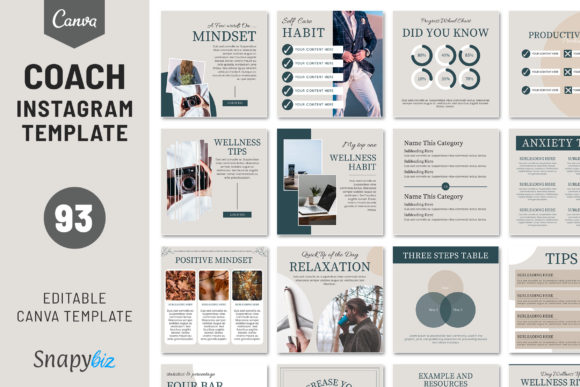 Fitness & Coach Instagram Templates8 hand-picked · open the collection →
A Weekly Mix
How often you post depends on how much time you have. Three good posts a week are better than five rushed ones. Here is one way to spread the pillars; treat it as a starting point and adjust it to what your customers respond to.
| Day | Three posts a week | Five posts a week |
|---|---|---|
| Monday | Educate | Educate |
| Tuesday | Product or service | |
| Wednesday | Product or service | Behind the scenes |
| Thursday | Social proof | |
| Friday | Social proof or behind the scenes, alternating | Product or service |
| Weekend | Personality, once or twice a month | Personality, every other week |
Notice the proportions. In the three-post week, one post in three shows what you sell; in the five-post week it is two in five. The rest give people a reason to keep following between purchases. If every post is an offer, the account reads as an ad. If none is, people forget you sell anything.
Keep a running note on your phone with one heading per pillar. When a customer asks a good question or says something kind, add a line under the right heading. On planning day the list is already there.
Matching Pillars to Formats
Some pillars sit more naturally in some formats, and each format has limits worth knowing before you plan around it.
| Pillar | Format that suits it | What the format allows |
|---|---|---|
| Educate | Carousels and short Reels | Up to 20 slides in a carousel; the Reels camera records up to 3 minutes |
| Product or service | Single images, and carousels for several angles | The profile grid shows a 3:4 crop from the center of the first image |
| Social proof | Text graphics for reviews, photo posts for results | A caption of up to 2,200 characters, enough to quote a review in full |
| Behind the scenes | Stories and Reels | A Story stays up for 24 hours; a video of up to 60 seconds plays as one clip |
| Personality | Single photos with a longer caption | Only about the first 125 characters of a caption show before "more" |
Whatever the format, the caption has to carry the practical part. A structure for that is in our guide to writing Instagram captions.
A Small Setup for Product and Workspace Photos
The product and behind-the-scenes pillars depend on photos you take yourself. A phone is enough, as long as it is held steady and the light is even.
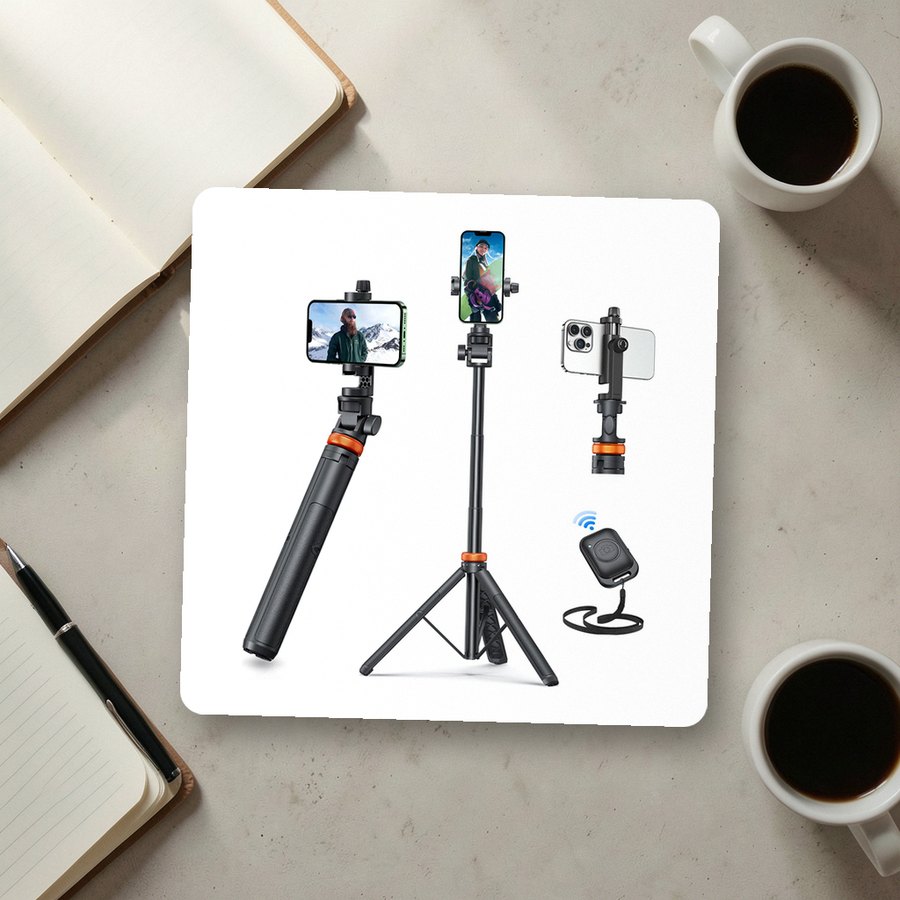 Phone tripod with remote shuttereucosSee it on Amazon
 Ring light with overhead phone mountUBeesizeSee it on Amazon
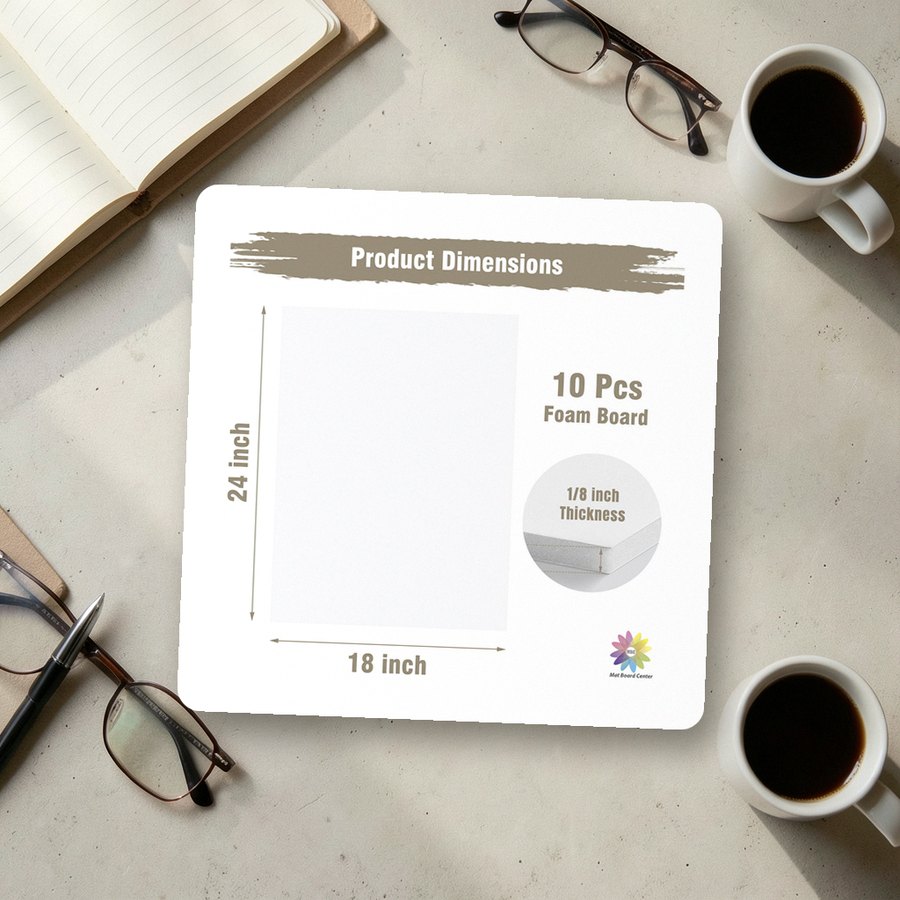 White foam board for backdrops and bounce lightMBC MAT BOARD CENTERSee it on Amazon
As an Amazon Associate we earn from qualifying purchases.
Turn the Pillars Into a Month
- Write the five pillar names as headings on one page.
- Under each, list five ideas from the sections above, reworded for your business. That gives you 25.
- Cross out any you cannot photograph or back up this month.
- Pick 12 for three posts a week, keeping the proportions from the table.
- Give each one a date.
That list is the input for a single working session in which you make all the graphics and write all the captions. The session itself is laid out in the guide to batching a month of Instagram posts.
Collections That Fit This Article
 Social Media Post Templates8 hand-picked · open the collection →
 Beauty & Salon Instagram Templates8 hand-picked · open the collection →Fitness & Coach Instagram Templates8 hand-picked · open the collection →