A caption that works has three parts: a first line that gives a reason to keep reading, a body that delivers one idea in short lines, and a closing line that asks for one thing. Write them in that order, check that the first line makes sense with nothing after it, and you have a caption that does its job in almost any niche.
The Three-Part Formula
| Part | Length | Job |
|---|---|---|
| Hook | One line | Stop the scroll and promise something specific |
| Body | Two to six short paragraphs | Deliver what the hook promised |
| Call to action | One line | Tell the reader what to do next |
The formula is not there to make every caption sound the same. It is a checklist. When a caption feels flat, one of the three parts is usually missing: there is no reason to start, no substance, or no next step.
The First Line Does Most of the Work
In the feed, Instagram shows only the beginning of a caption and hides the rest behind a "more" link. Guides to Instagram's limits put the cut at about 125 characters, which is one sentence of ordinary length, and note that it shifts a little with the device. Whatever sits before that cut is all many people will read. So the first line cannot be a greeting or a warm-up.
Five kinds of first line that work:
- The result: "This is how we keep cut flowers fresh for ten days."
- The mistake: "Most people water succulents far too often."
- The question the reader already has: "Not sure what size rug fits your living room?"
- The news: "Saturday workshop spots are open."
- The opening of a story: "The first cake we ever sold collapsed in the customer's car."
A quick test is to cover everything but the first line. If a stranger would know what the post is about and why it might matter to them, keep it. If the line could sit on top of any post from any account, rewrite it.
Emoji at the start are fine if they suit your voice, but they do not replace the words. Put the information first.

The Body: One Idea, Short Lines
Decide what the one idea is before you write. A caption that explains a product, tells its history and announces a sale gives the reader three things to forget.
Then make it easy to read on a phone:
- Keep paragraphs to one to three sentences.
- Put a blank line between paragraphs.
- Use a short list when you have steps or options.
- Put the most useful sentence early, not at the end.
Instagram keeps the line breaks you make with the return key. Blank lines between paragraphs are less dependable: formatting guides report that a gap can collapse when the line before it ends in a space, or when the "empty" line holds a stray space. If your paragraphs run together after posting, delete the spaces at the ends of lines, check the spacing in a notes app, and paste the caption in again as one block.
Write the way you would explain it to a customer standing in front of you. Read the caption aloud once. Any sentence you would not say out loud can be cut or reworded.
The Call to Action: Ask for One Thing
End with a single, concrete request that fits the post.
| Type of post | A fitting request |
|---|---|
| A tip or checklist | "Save this for the next time you repot." |
| A product | "Order through the link in our profile." |
| An opinion or a question | "Which one would you pick?" |
| A service | "Send us a message to book a slot." |
| A story | "Tell us about your first one." |
Asking for a save, a comment, a share and a visit in the same breath dilutes all four. Pick the action that makes sense for this post and leave the others for the next one.
Not every caption needs a request. A thank-you post or a quiet photo can simply end. But when you want something to happen, say so plainly.
How Long Should a Caption Be
A caption can run to 2,200 characters, spaces and line breaks included. That is the ceiling every current guide to Instagram's limits gives, and it works out to somewhere between 350 and 400 words. You will rarely need it. Length should follow the job:
- Product photo: a hook and two or three lines of detail.
- Tip or how-to: as long as the steps require, usually five to ten short lines.
- Carousel: short. The slides carry the content, so the caption only frames it and repeats the request.
- Personal or story post: longer is fine, as long as each paragraph earns its place.
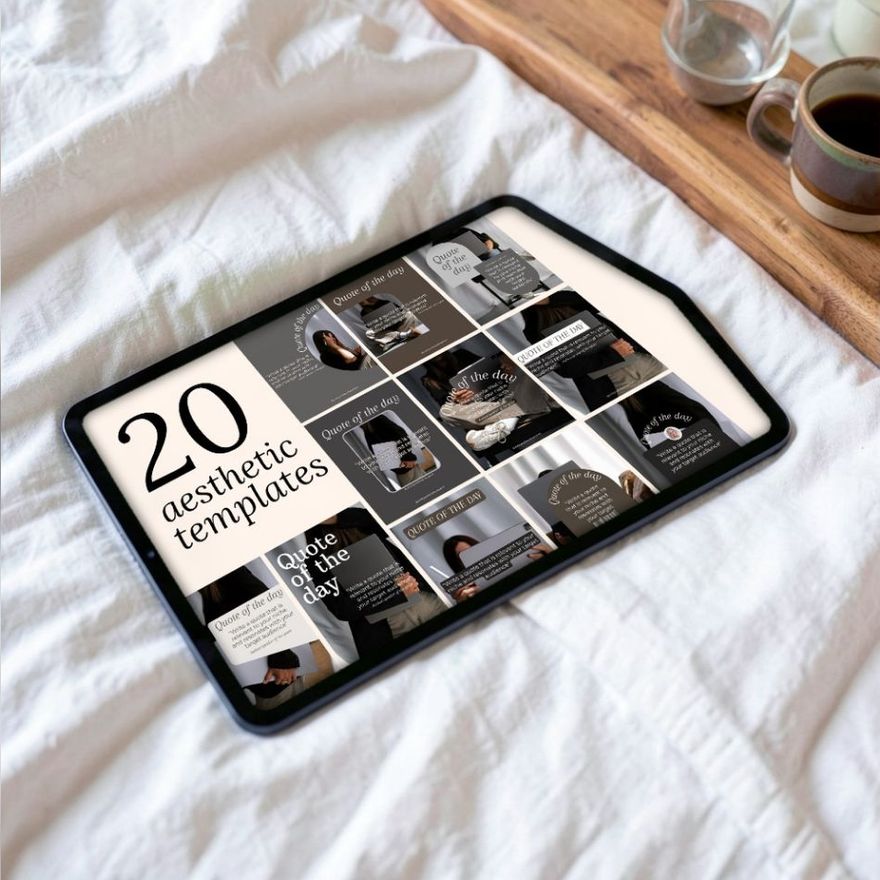
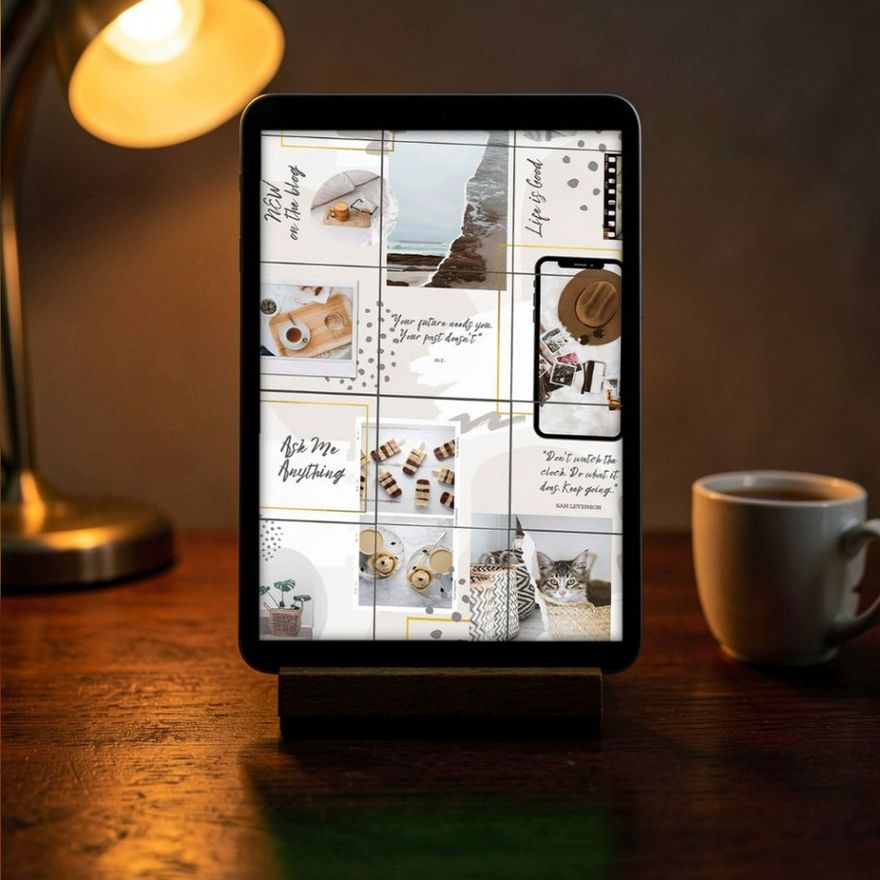
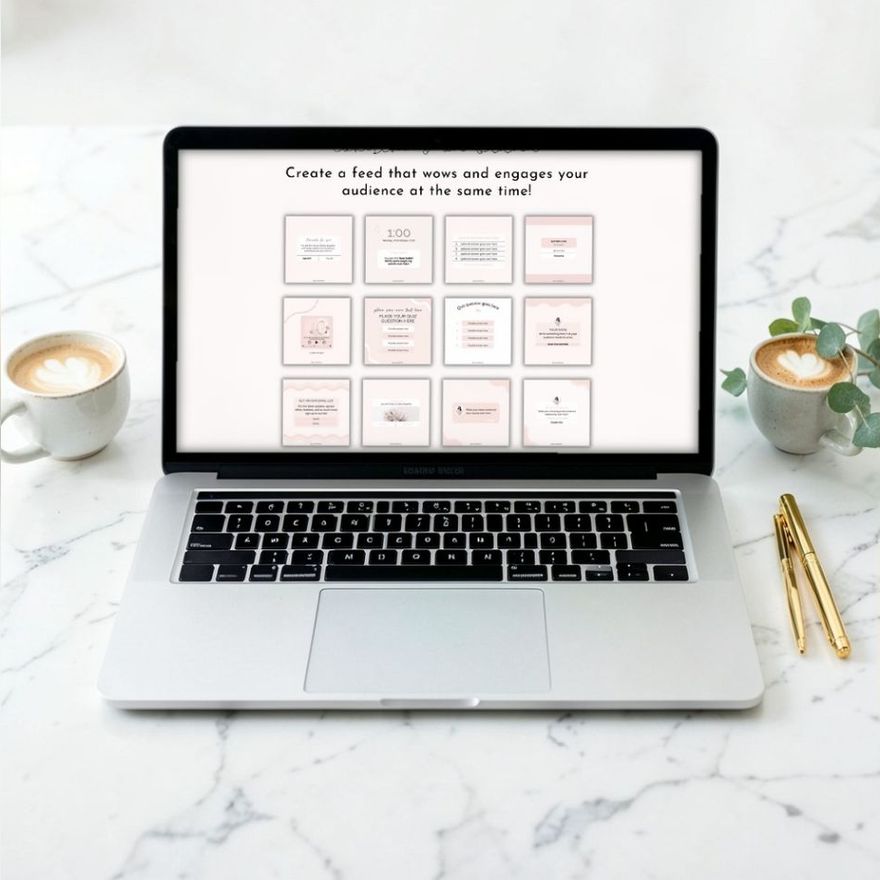
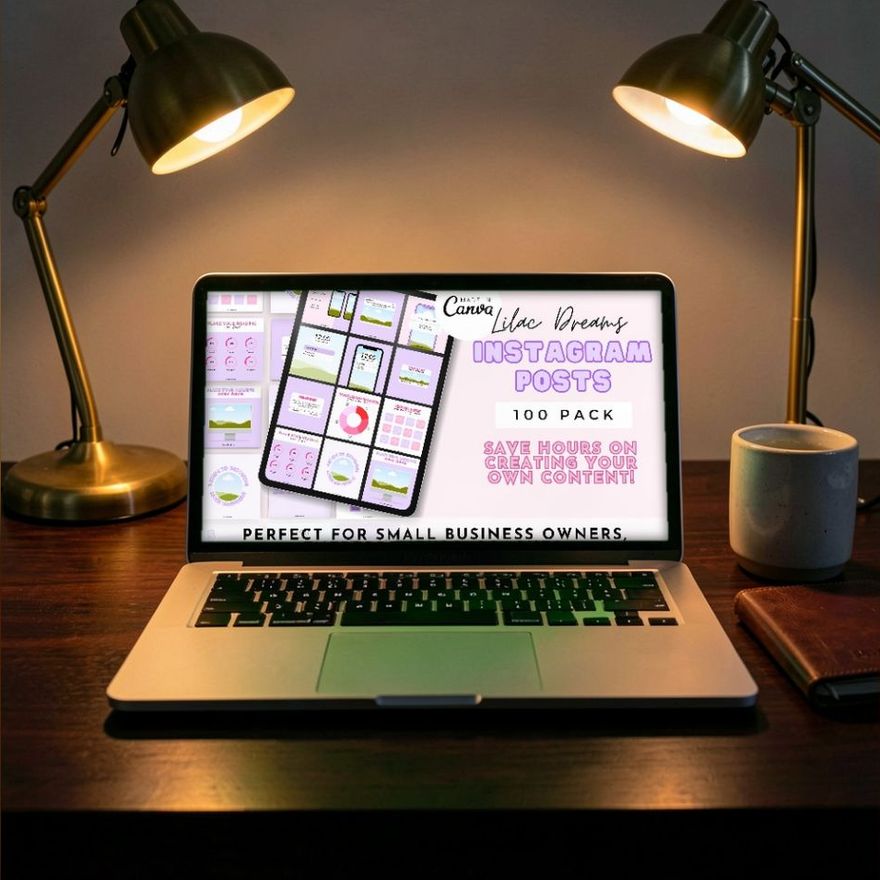
When the image is a text graphic, the image carries the headline and the caption carries the detail. Do not repeat the graphic word for word; add what did not fit on it. Text-led posts, such as affirmations and prompts meant to start a conversation, rely on this split more than any other kind. The first two sets below are named for exactly that sort of post, and the third is a general pack.
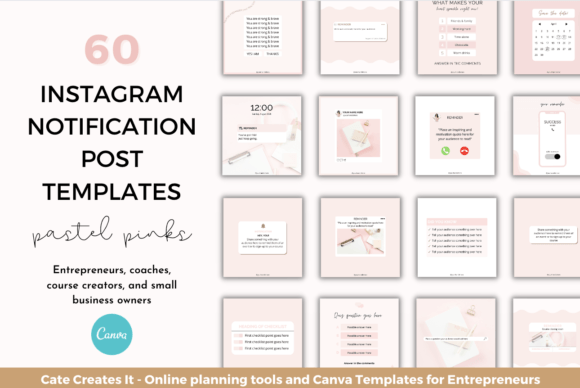
Instagram Post Templates Engagement
See the listing ↗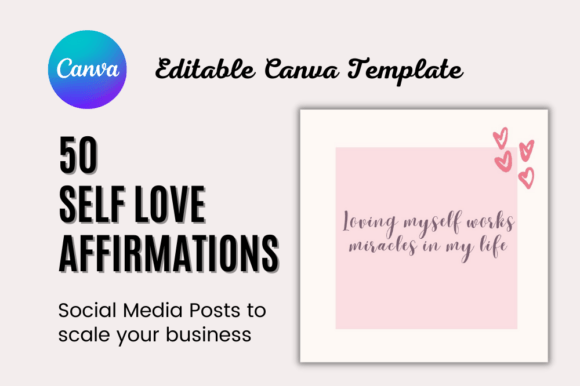
Self Love Affirmation Instagram Post
See the listing ↗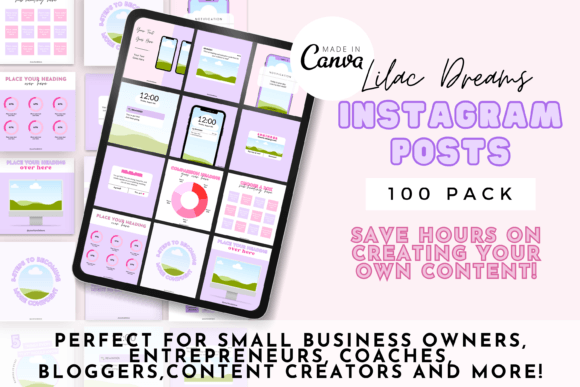
100 Editable Instagram Post Templates
See the listing ↗From the collection Instagram Post Templates. New Creative Fabrica members get 10 free downloads, and any of these can be one of them.
Hashtags: Few, Specific, at the End
Hashtags sort a post by topic. They are not decoration, and a long block of them makes a caption look like spam.
- Use a handful that describe this exact post: the product, the trade, the place.
- Prefer specific over huge. A local bakery gets more from its city and its specialty than from a one-word tag used by millions.
- Put them at the end of the caption, after the call to action, where they do not interrupt the reading.
The limit is now five. Instagram's Help Center states that you can use up to 5 tags on a post, and warns that if you include more, "your comment won't post". The cap was announced in December 2025; before that a post could carry 30, which is the number many older guides still quote. So choose three to five and make each one count.
Do not expect tags to do the work of the post. Instagram's head, Adam Mosseri, has said that hashtags do not increase reach; he describes them as a way to let people know what a post is about.
The Help Center allows a hashtag in the caption or in a comment, but Instagram's own explanation of how search works is specific: for a post to be found in search, put keywords and hashtags in the caption, not the comments. The same explanation says search matches what people type against captions as well as usernames, bios, hashtags and places. So clear words help too. If the post is about sourdough starter, say "sourdough starter" in a sentence instead of leaving it to a tag.

Three Example Structures
Each example is for an invented business, broken into the three parts.
A Product Post
A candle shop showing a new scent.
- Hook: "The fig candle is back, and this time in the large jar."
- Body: "Same scent as last fall: green fig, cedar and a little black pepper. The large jar burns for roughly twice as long as the small one. Poured in small batches, so there are only forty."
- Call to action: "They are in the shop now. Link in our profile."
A Tip Post
A hair salon sharing advice.
- Hook: "Stop brushing curls when they are dry."
- Body: "A brush pulls the curl pattern apart, and that is where the frizz comes from. Detangle in the shower instead, with conditioner in and a wide-tooth comb, working from the ends up. Then leave the curls alone while they dry."
- Call to action: "Save this for your next wash day."
A Personal Post
A potter marking an anniversary.
- Hook: "Three years ago this studio was a folding table in a spare room."
- Body: "The first kiln load cracked. So did the second. The mugs on this shelf are from the third, and they are still the shape we sell most. Thank you to everyone who bought one when the glaze was a bit uneven."
- Call to action: "If you have one of the early mugs, show us."
The same skeleton works for occasion posts. Our guide to birthday Instagram posts has caption starters for those.
Edit Before You Post
Run through five checks:
- Does the first line make sense alone?
- Is there one idea, not three?
- Can any sentence go without the reader noticing?
- Is there one request, and does it fit the post?
- Are names, dates and details correct?
A mistake you spot later is not permanent. Open the post, tap the three-dot Options menu, choose Edit, fix the caption and tap Done.
Try deleting your first sentence. Writers tend to warm up in the first line and say the real thing in the second. If the caption still works without it, the second line was your hook all along.
Captions are also easier to write in a group than one at a time. Once you know your themes for the month, you can draft a dozen in a sitting, as described in the guide to batching Instagram content. If the themes are the missing piece, start with the five pillars in content ideas for small business, then pick layouts from the Instagram post templates collection to match.
Collections That Fit This Article
 Instagram Post Templates8 hand-picked · open the collection →
 Canva Instagram Templates8 hand-picked · open the collection →